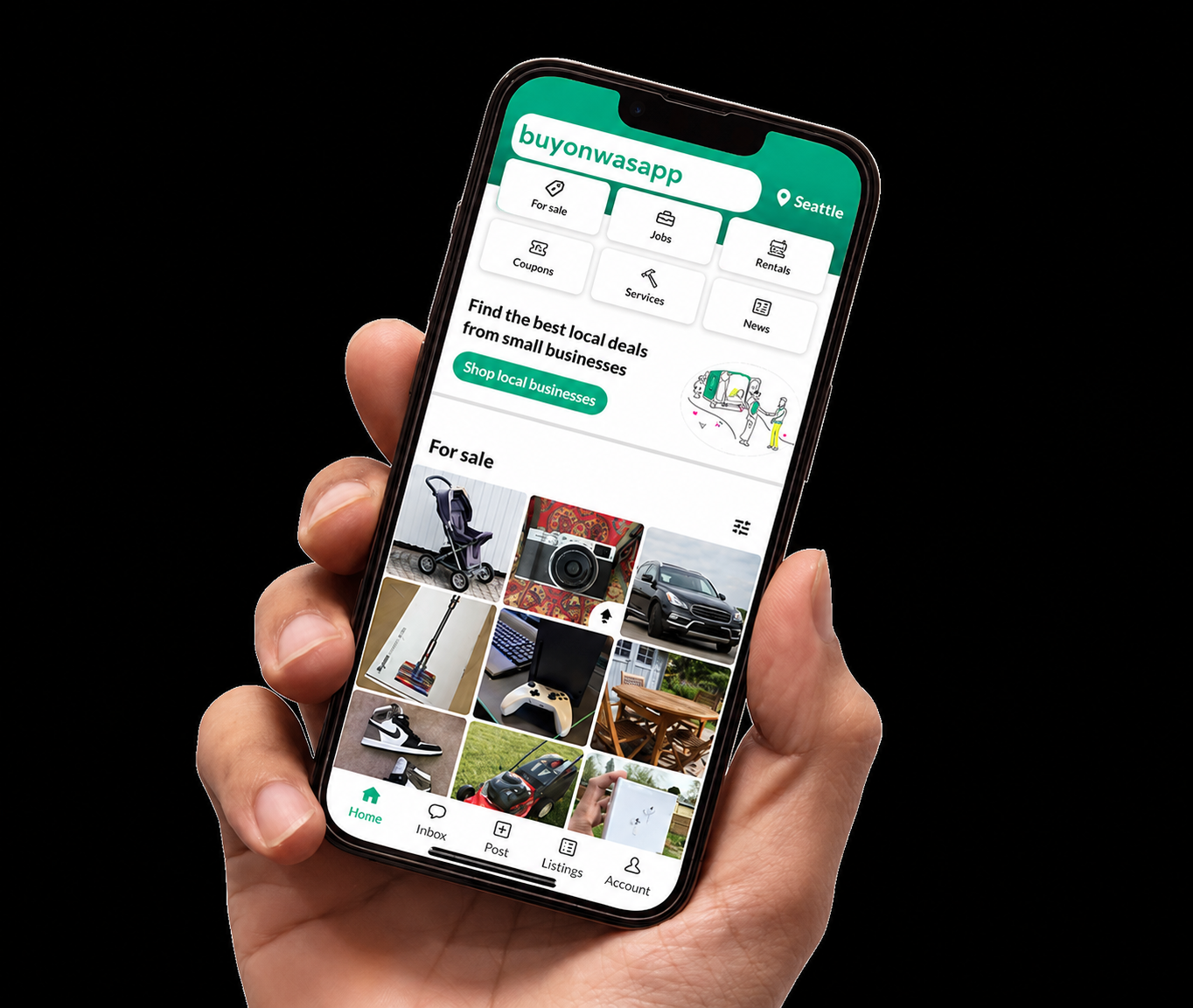
Seller Portal
List your products and services on BuyOnWasApp.ng to reach thousands of potential buyers
Seller Dashboard
Welcome to your seller portal. Choose the appropriate category below to create a new listing. Each category has a customized form to ensure you provide the right information for your specific type of listing.
Pro Tip: Select the category that best matches what you’re selling to reach the most interested buyers.
How to List Your Items
Follow these steps to successfully create your listing:
- Click “Create New Listing” above to expand the category options
- Select the category that best matches what you’re selling
- Fill out the listing form completely with accurate details, clear photos, and competitive pricing
- Review your listing before submitting to ensure all information is correct
- Monitor your inbox for buyer inquiries and respond promptly to increase sales
Best Practice: High-quality photos and detailed descriptions typically result in 3x more views and sales.