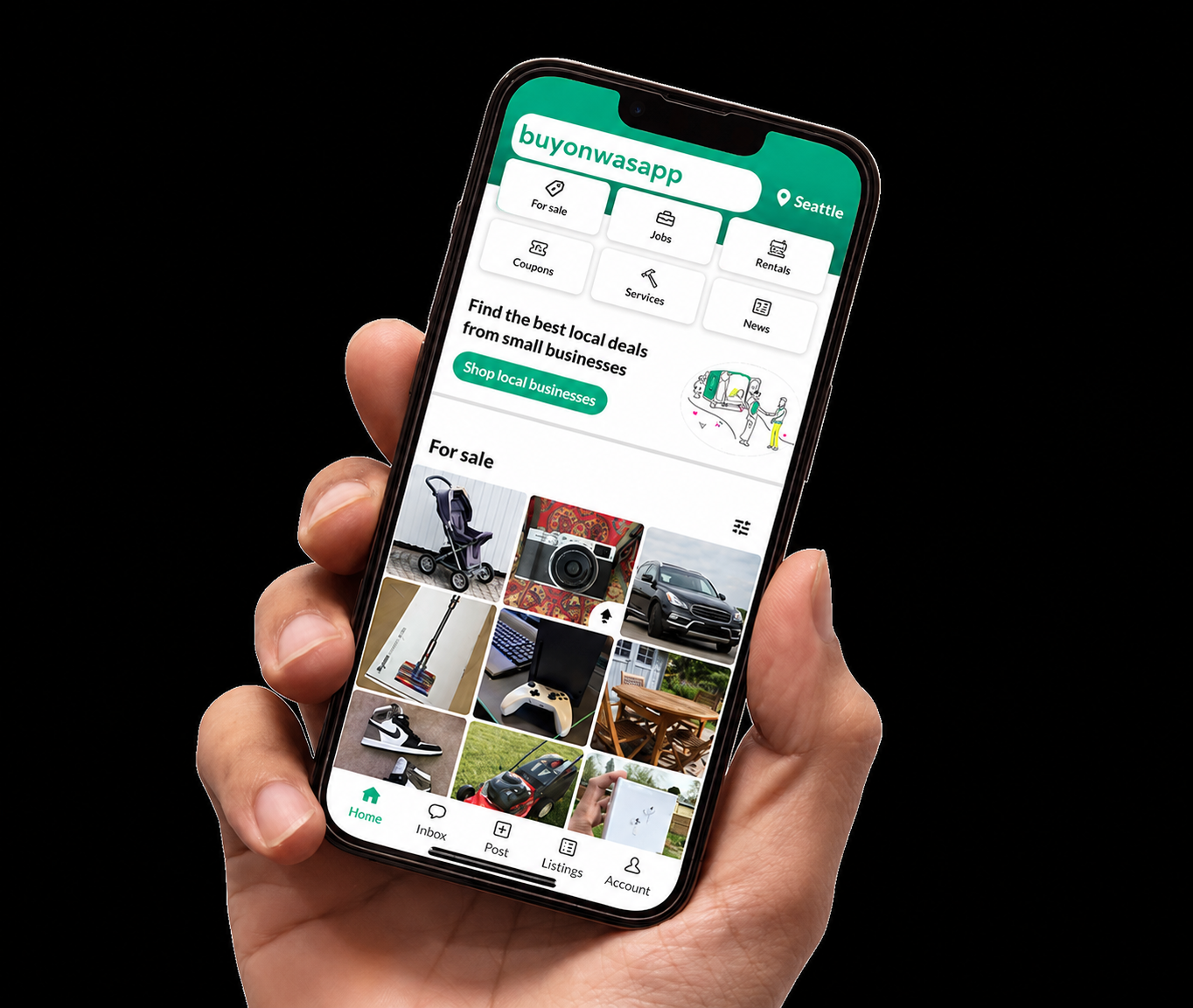
Sell on BuyOnWasapp.ng
Welcome to BuyOnWasapp.ng, the platform where you can easily buy and sell products using WhatsApp!
How to Sell:
- Sign Up or Log In: If you’re new to BuyOnWasapp.ng, create an account. Existing users can log in using their credentials.
- Access Your Seller Dashboard: Once logged in, navigate to your seller dashboard to manage your listings and sales.
- Create Product Listings: Add details about your products, including name, description, price, and images.
- Set Pricing and Inventory: Specify the price of your products and manage your inventory if you have multiple quantities available.
- Review and Publish: Review the information provided for accuracy and publish your listings to make them visible to buyers.
- Manage Orders: Monitor incoming orders, process payments, and prepare products for shipping or delivery.
- Communicate with Buyers: Stay in touch with buyers through BuyOnWasapp.ng’s messaging system to address inquiries and provide customer support.
- Fulfill Orders: Ship the products to buyers’ addresses or arrange for pickup to fulfill the orders.
- Track Sales and Performance: Monitor your sales and track the performance of your listings through analytics provided in your seller dashboard.
Ready to start selling? Click the button below to sign up or log in: