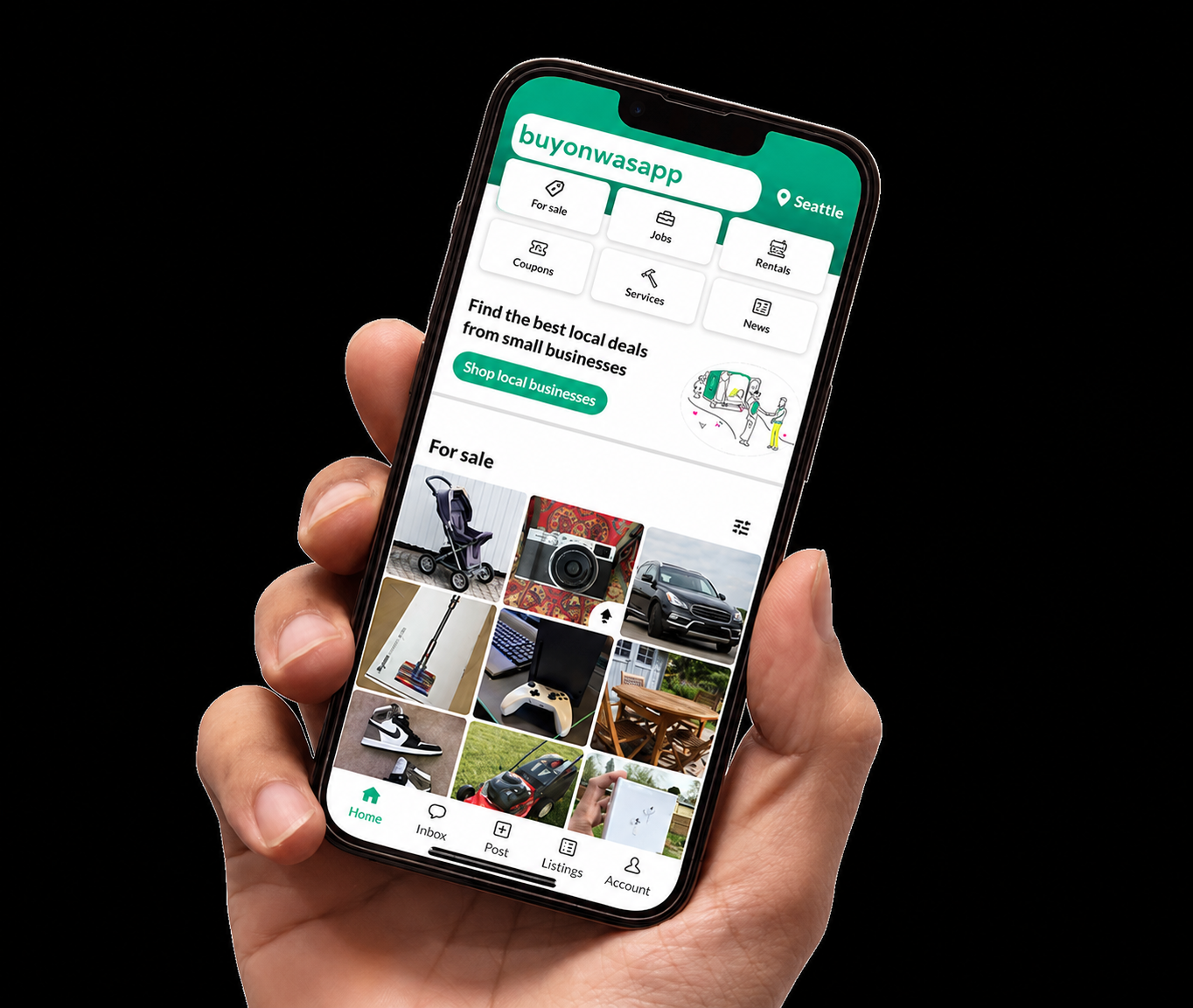
buyonwasapp.ng
My Listings
View and manage all your active and inactive listings. Edit details, promote ads, and track listing performance here.
Steps to Post on buyonwasapp.ng
- Create an Account: Go to the registration page and fill in the necessary details.
- Verify Your Account: Complete the verification process by verifying your WhatsApp number or providing identification like NIN or CAC.
- Navigate to Post: Once logged in, click on “Post a Listing” from your dashboard.
- Fill in Details: Provide relevant information about the item or service you want to list, such as title, description, category, and price.
- Upload Images: Add clear images of your item to attract potential buyers.
- Submit Listing: After reviewing the information, submit your listing for approval. Listings are typically approved within 24 hours.
- Manage Your Listings: You can edit, bump, or delete your listings anytime from the “My Listings” section.